

Answer questions
The Waiting list shows every question and request your projects have for you, so you can answer them from your iPhone.
Waiting is the first thing you see in Pilot Pro. It lists every project on your Mac that is stopped until you answer.
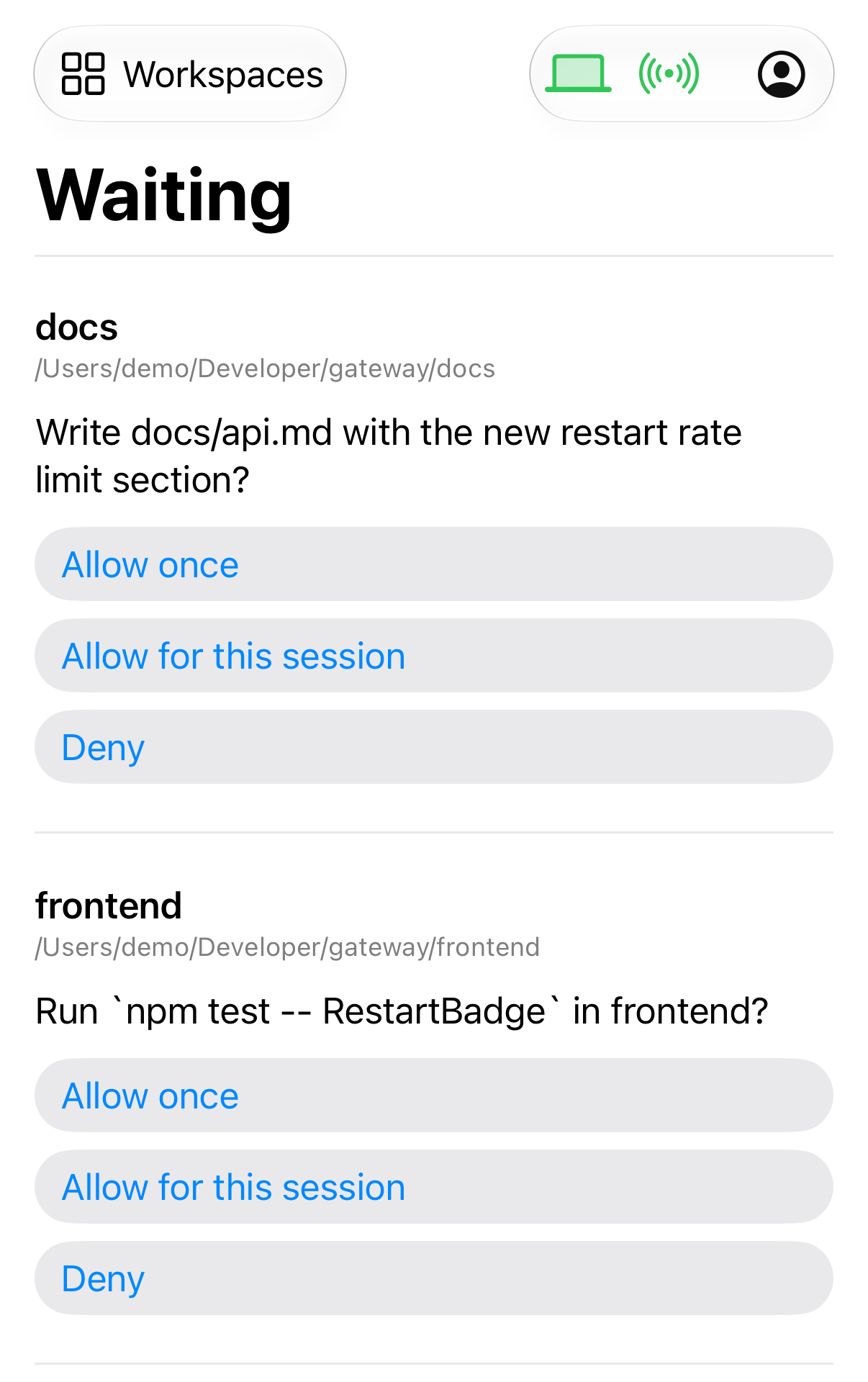
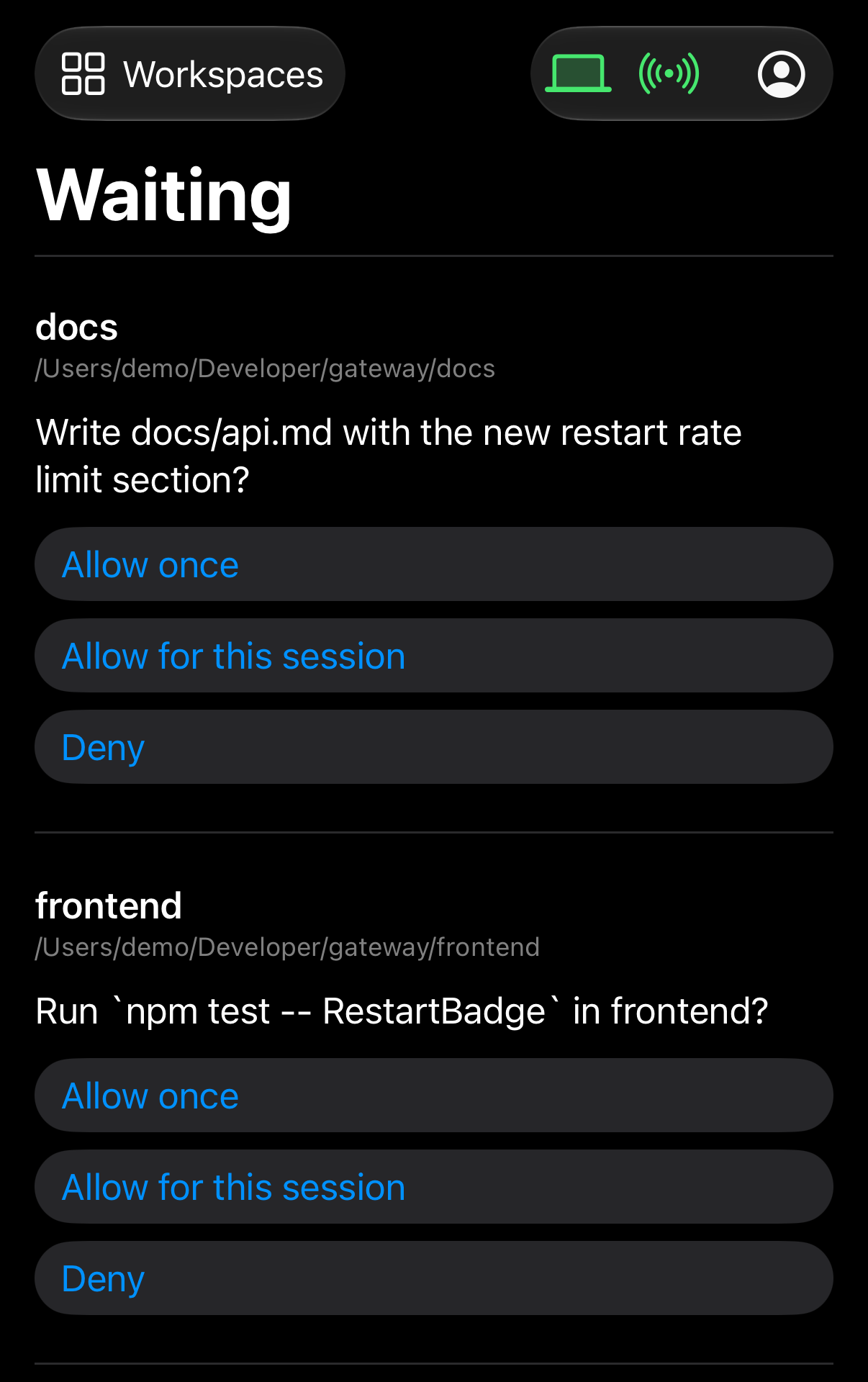
When there is nothing to answer, it says Nothing waiting.
Approve a request
When a project wants to do something it needs your permission for, such as change a file, its request shows the same choices you would see on your Mac, such as Allow once or Deny.
- Read what the project wants to do.
- Tap your answer.
The answer goes to your Mac straight away, and the project carries on.
Reply in words
Some questions need a written answer, such as "Who should sign the letter?". These have a Reply box under the question.
- Tap Reply and type your answer.
- Tap the send button.
Notifications
When Pilot Pro isn't open, each new question arrives as a notification. Tap it to open the question. If you answer on your Mac instead, the notification is taken back.
A project waits a short moment before it notifies you, so a question you answer straight away on your Mac never reaches your phone.
The connection signs
Two small signs at the top right show the connection:
| Sign | What it means |
|---|---|
| A green iPhone | Your Mac has been in touch recently. When it's grey, your Mac may be asleep, or Inferise Code is closed. Questions wait until it's back. |
| Green radio waves | Pilot Pro is connected right now, so new questions appear at once. |
| A bell | New questions arrive as notifications. |
Sign out
Tap the account button at the top right and choose Sign Out. This iPhone stops receiving questions until you sign in again.
Something unclear or out of date? Tell us and we will fix it.