

Ask one project to help another
Let one project find the answer it needs in another project's folder, with your approval.
What you'll do
- Ask a project a question that another project can answer.
- Approve the request.
- Read the answer it brings back.
What you need
- A workspace with at least two projects. In this example, the rota project needs to know what the staff-handbook project's policy says.
Ask in plain words
- Click the rota chip on the Project Ribbon.
- In the message box, type: Ask staff-handbook what our annual leave policy says about booking time off in December.
- Press Return.
You don't need to say how. The project knows which other projects are open in the workspace, and asks the right one.
Approve the request
Before one project asks another, Inferise Code checks with you. A card appears in the conversation, and the project's chip on the ribbon shows Permission.
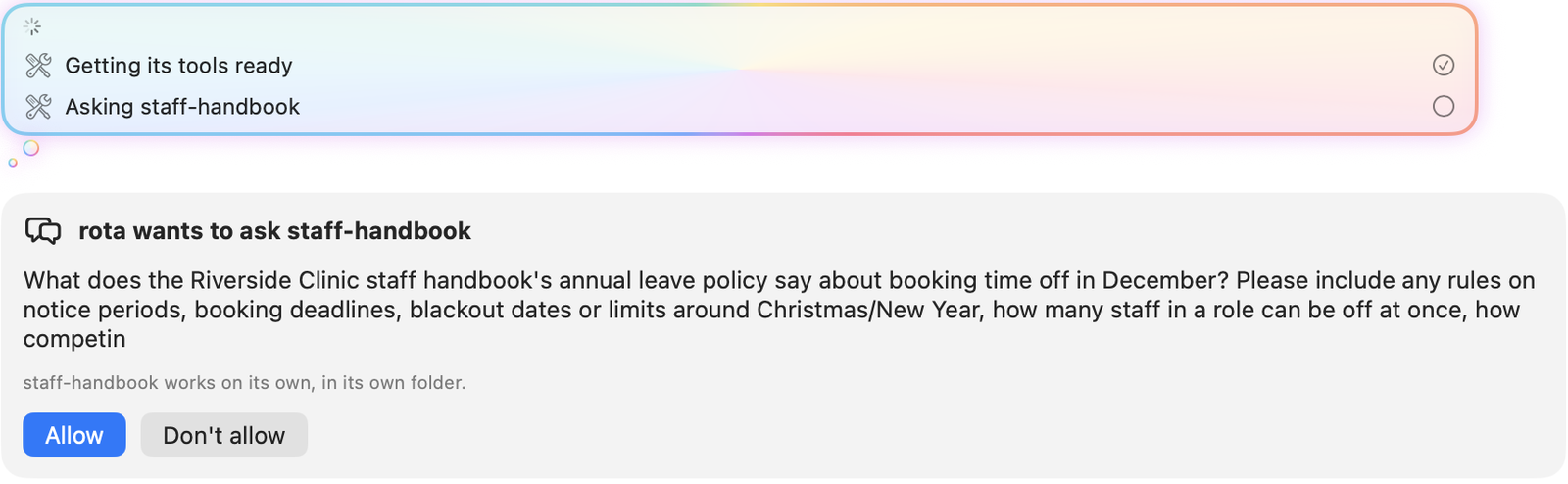
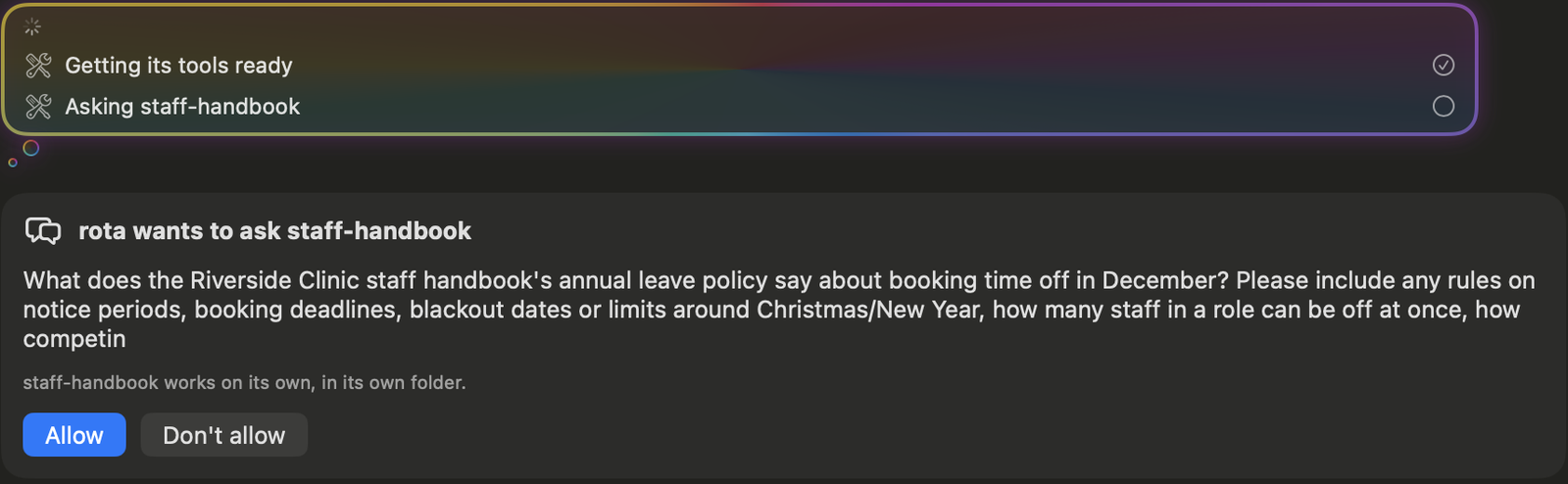
- Read the question on the card.
- Click Allow.
If nobody answers the card within five minutes, the question isn't sent, and the asking project is told so.
Read the answer
The other project does the work in its own folder, as a separate job. It doesn't type anything into its own conversation. When it's done, its answer comes back to the project that asked, which uses it to reply to you.


Turn approvals off, or asking off altogether
Open the right panel and click the speech-bubbles button to show Communication.
- Turn off Ask me before one project asks another on its own to let projects ask each other without the card.
- Turn off Let projects ask each other to stop it altogether.
See Projects working together for the limits that keep projects from asking without end.
Something unclear or out of date? Tell us and we will fix it.