

Connect a spreadsheet
Let your projects read a shared Google spreadsheet, and write up what changes in it automatically.
What you'll do
- Connect a Google spreadsheet to a workspace.
- Set up a task that writes a short account of each change to the sheet.
What you need
- A Google spreadsheet, in a Google Drive folder you can share.
- A key from Google Cloud for Inferise Code to use. If you haven't made one before, ask whoever looks after your organization's Google account. It takes them about ten minutes.
Add the connection
- Open the right panel and click the i button to show Workspace Information.
- Click Connections…, then Add a Connection….
Choose Google Sheets and Drive.
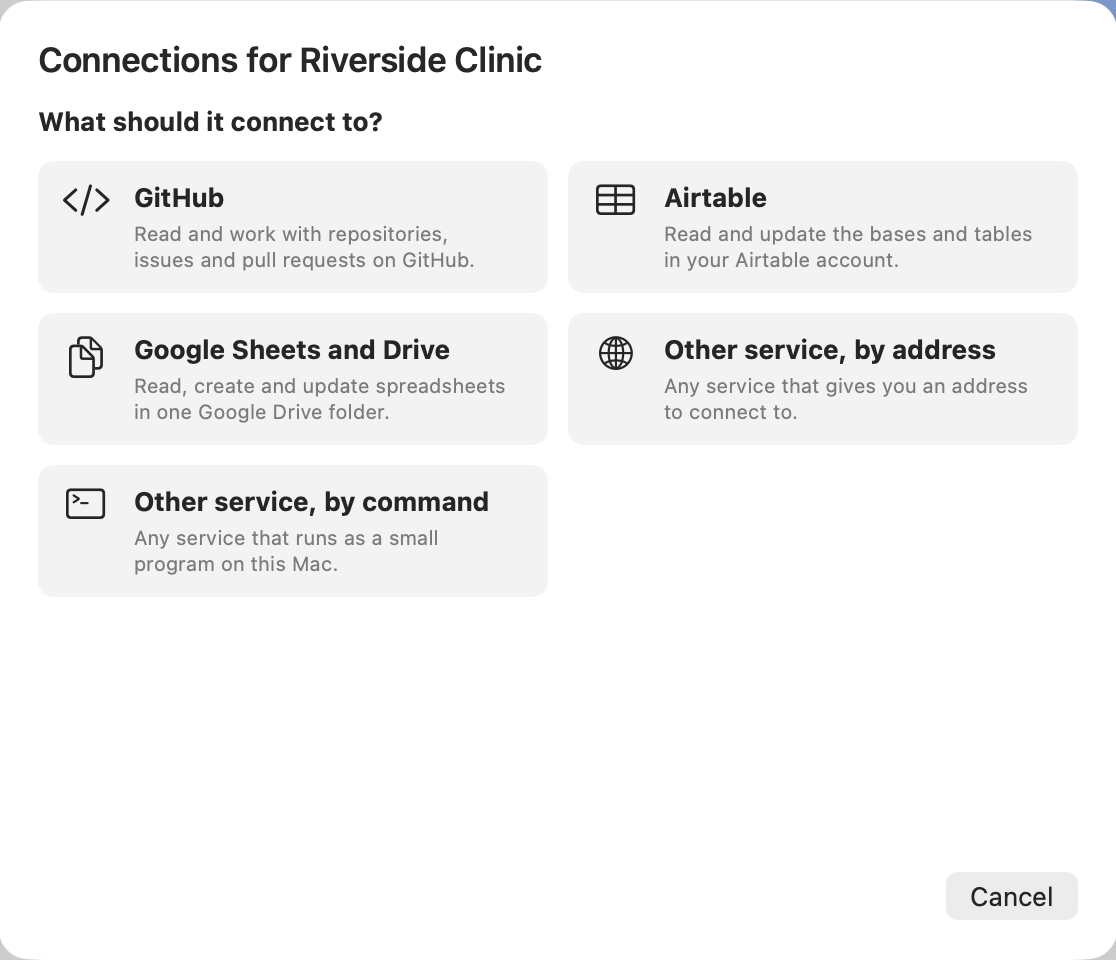
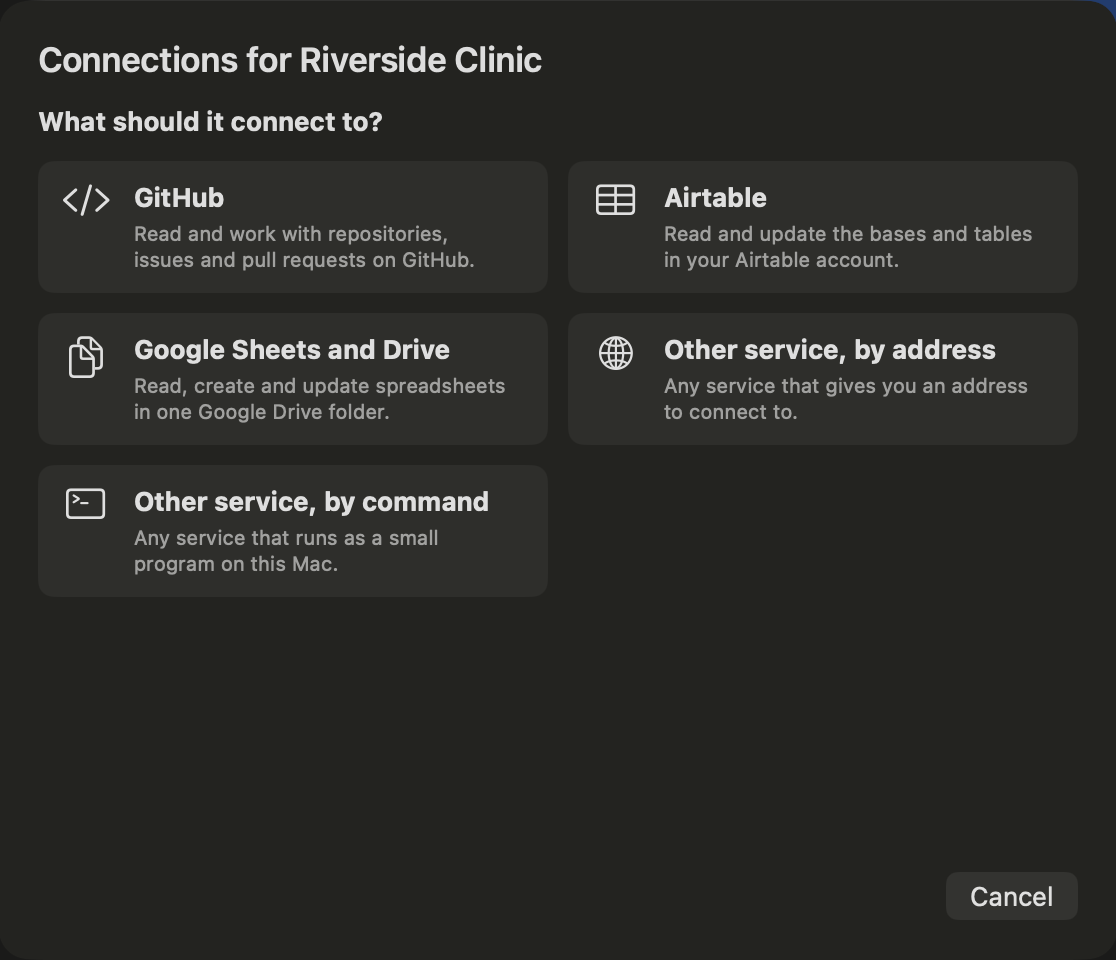
Airtable works the same way, and lets you sign in with your Airtable account instead of using a key. - In Name, give it a name the project will know it by, such as "Clinic Sheets".
- Under Service account key, click Choose… and pick the key file from Google Cloud.
- In Drive folder ID, paste the part of the folder's web address that comes after
/folders/. - Click Save.
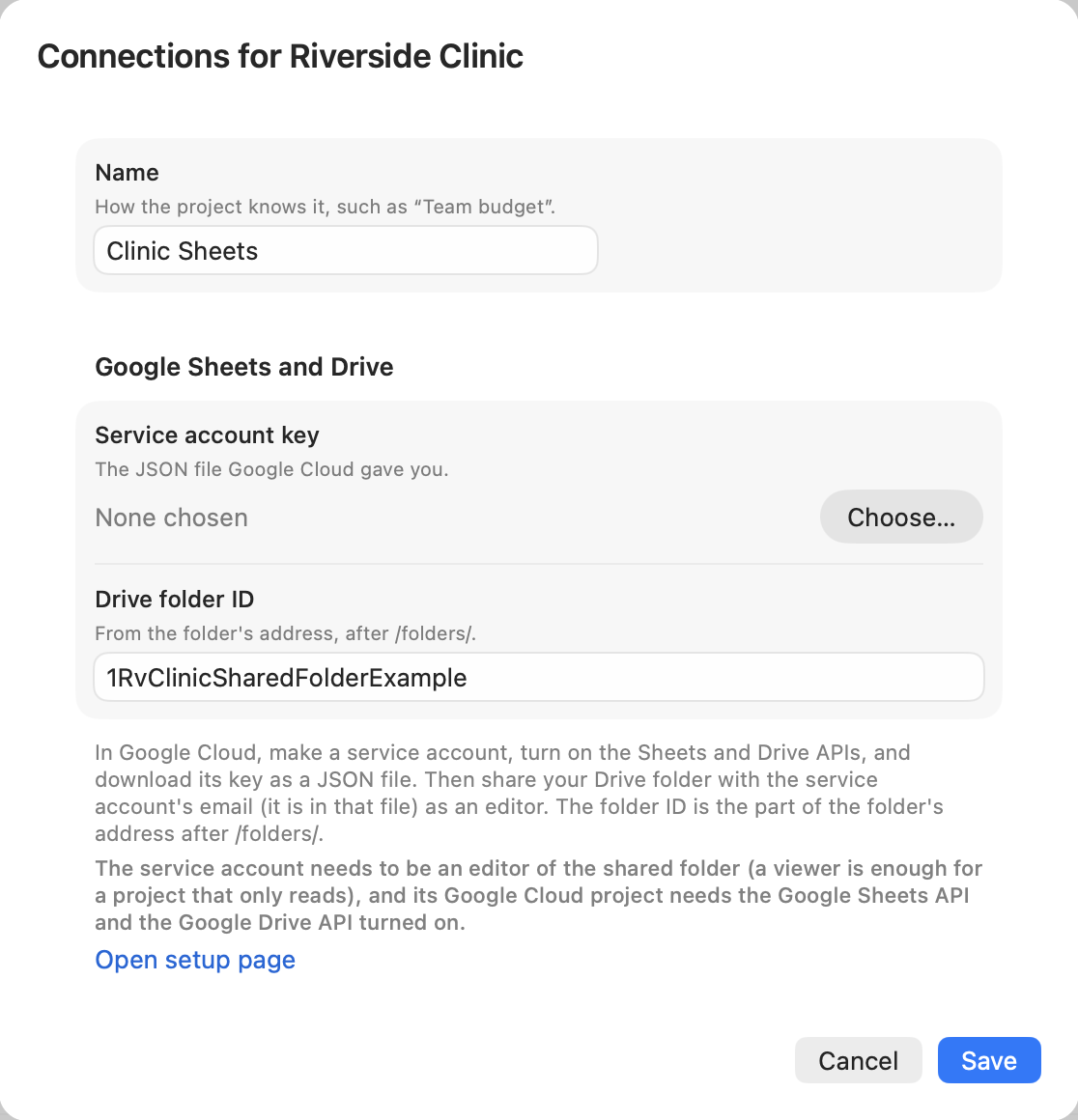
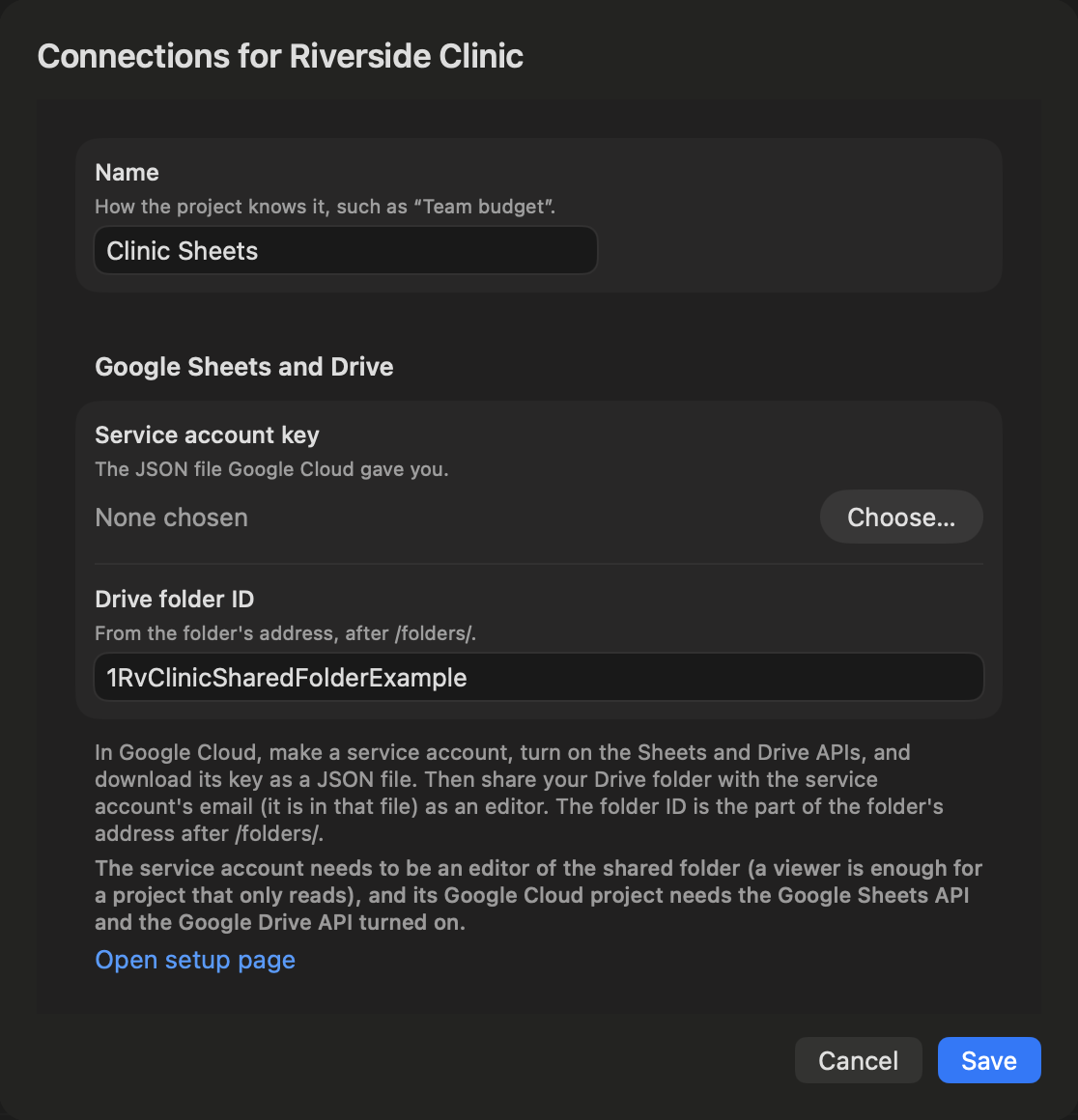
The key is kept in your Mac's keychain, not in the project.
Once it is saved, every project in the workspace can use the spreadsheets in that folder. Try it: ask a project What's in the Absences sheet?
Write up each change automatically
Now set up a task that notices when the sheet changes and writes a plain account of what is different.
- In the Connections window, click When This Changes… next to your new connection.
Choose Report what changed and click Next.
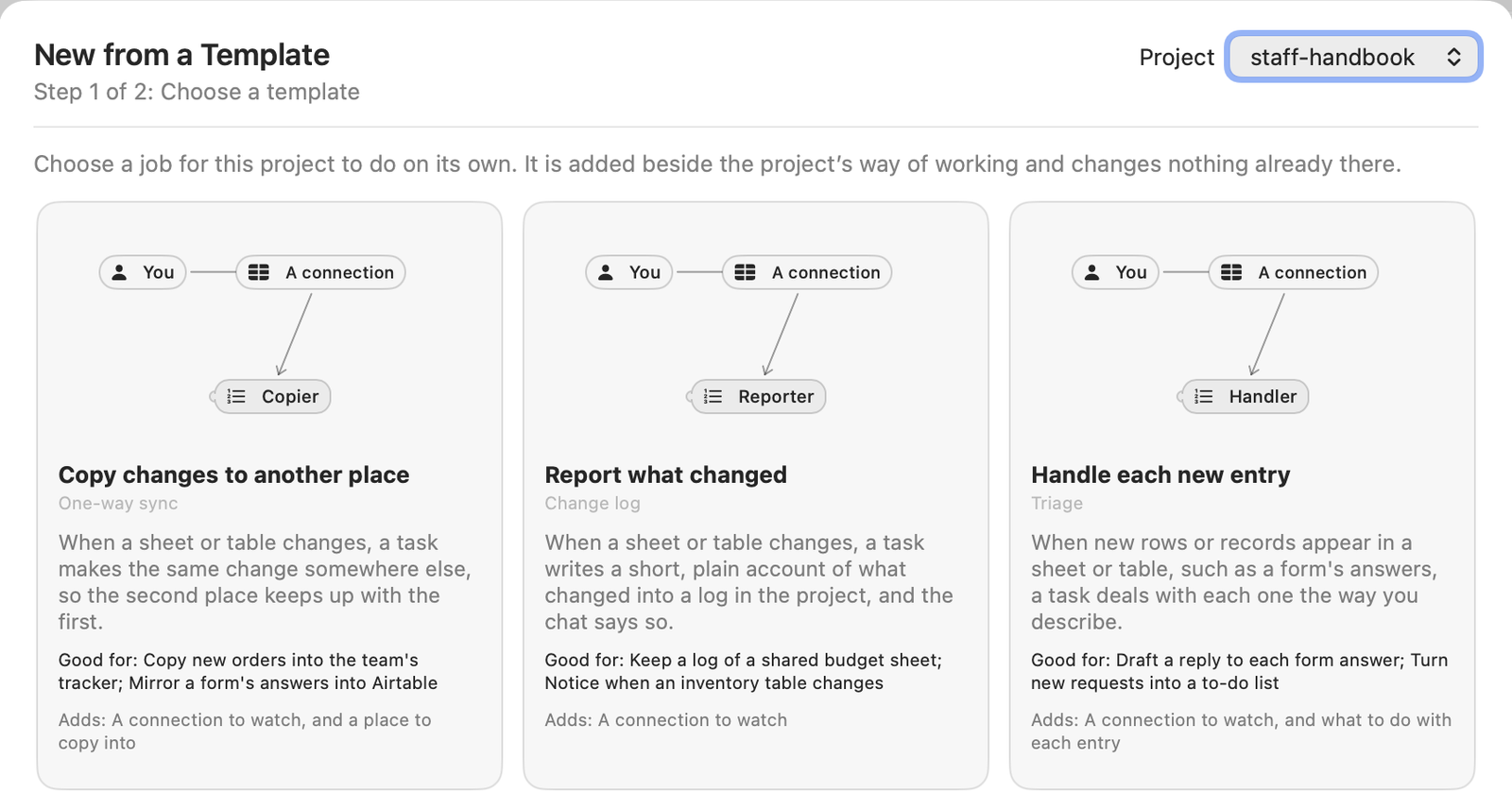
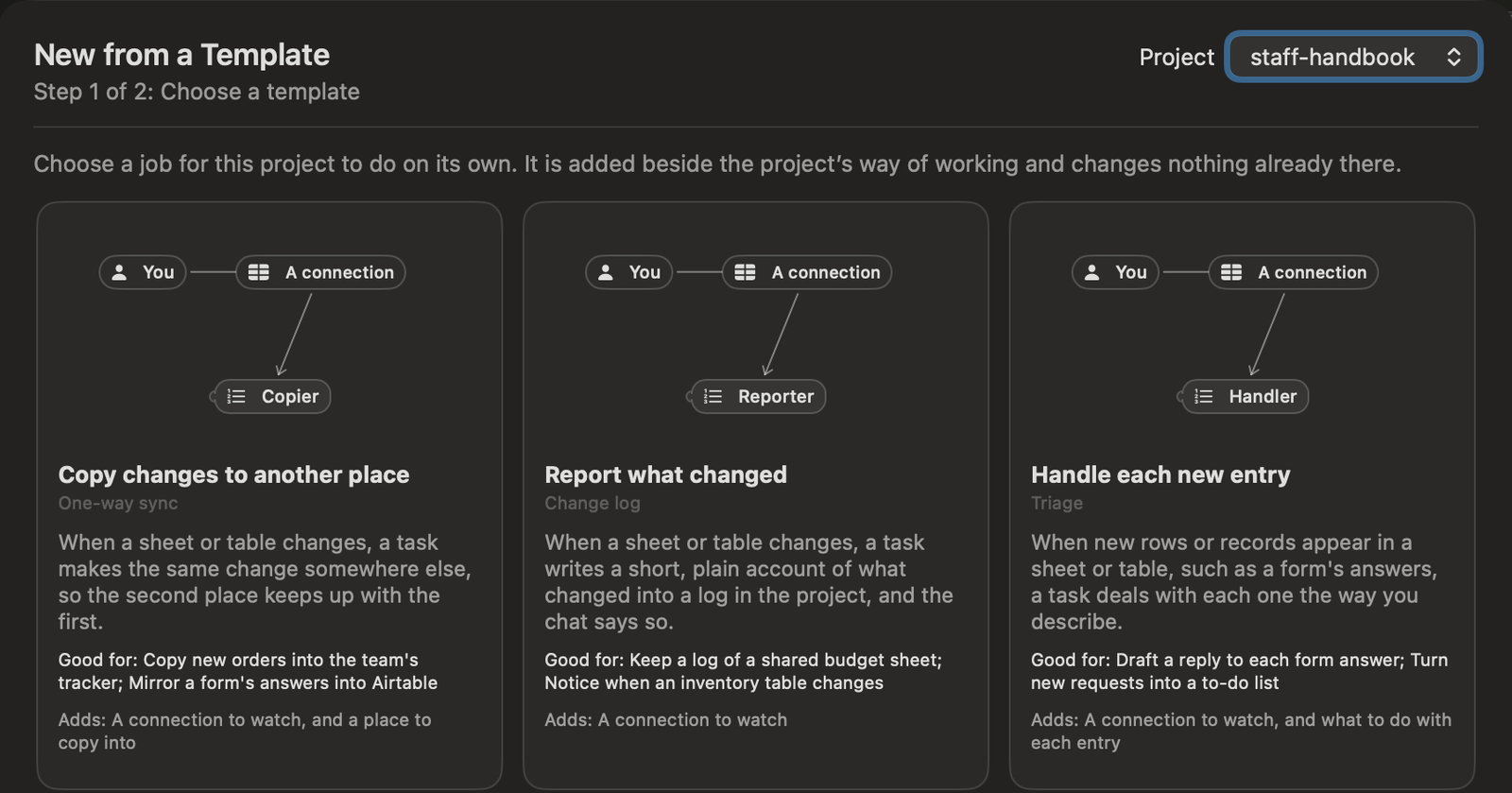
Each template adds a task. It doesn't change anything the project already has. - Under Project, at the top, choose the project the task belongs to.
Fill in which sheet to watch:
- The spreadsheet ID is the part of the sheet's web address between
/d/and/edit. - Sheet is the tab's name, such as "Absences".
- Cells is optional. Leave it empty to watch the whole tab.
- The spreadsheet ID is the part of the sheet's web address between
- In the box underneath, say what the report should call out first. For example: anyone off sick on a day the rota is already short.
- Click Add.
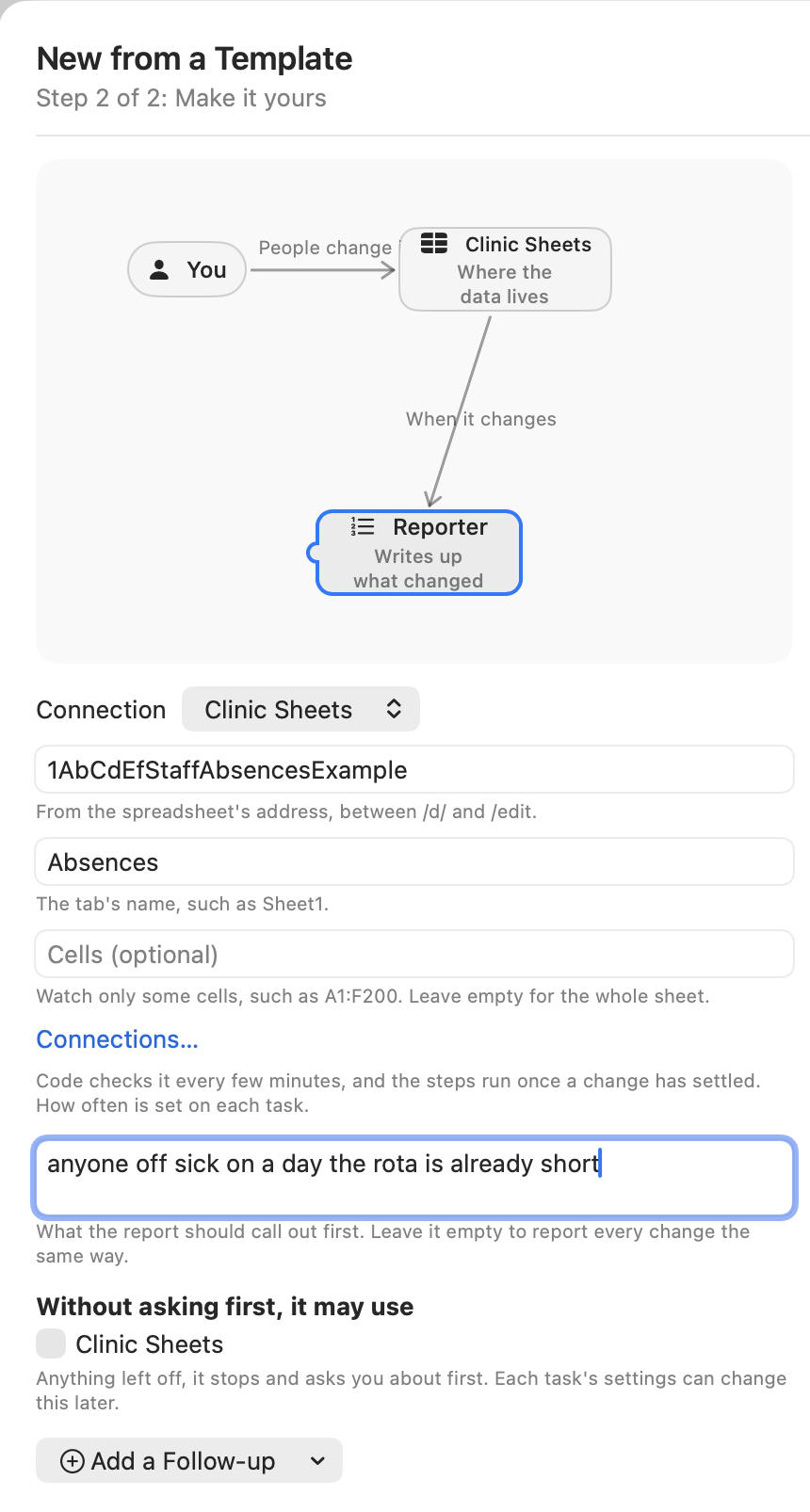
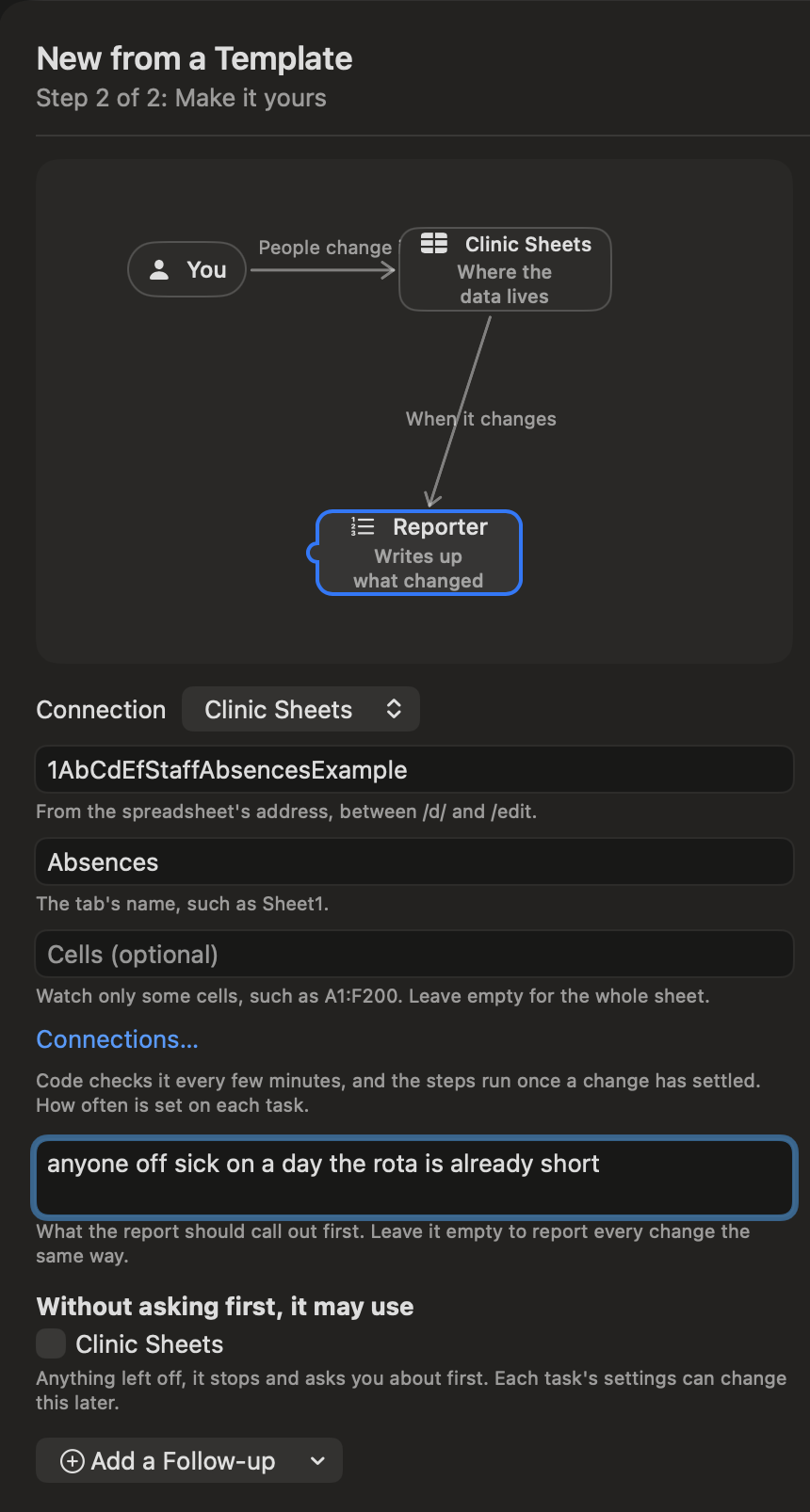
From now on, when someone changes the sheet, the task adds a short account of the change to a log in the project, and a notice appears in the project's conversation.
What's next
- Read more about Connections, including GitHub, Airtable and other services.
- See every way a task can start in Project Tasks.
Something unclear or out of date? Tell us and we will fix it.